Best 1099 Expense Tracker Apps in 2026 for Freelancers & Gig Workers
The IRS does not care that you forgot to log a $47 Uber receipt. These 1099 expense trackers do the remembering for you — AI categorization, automatic deduction detection, and tax-ready exports that save hours at filing time.
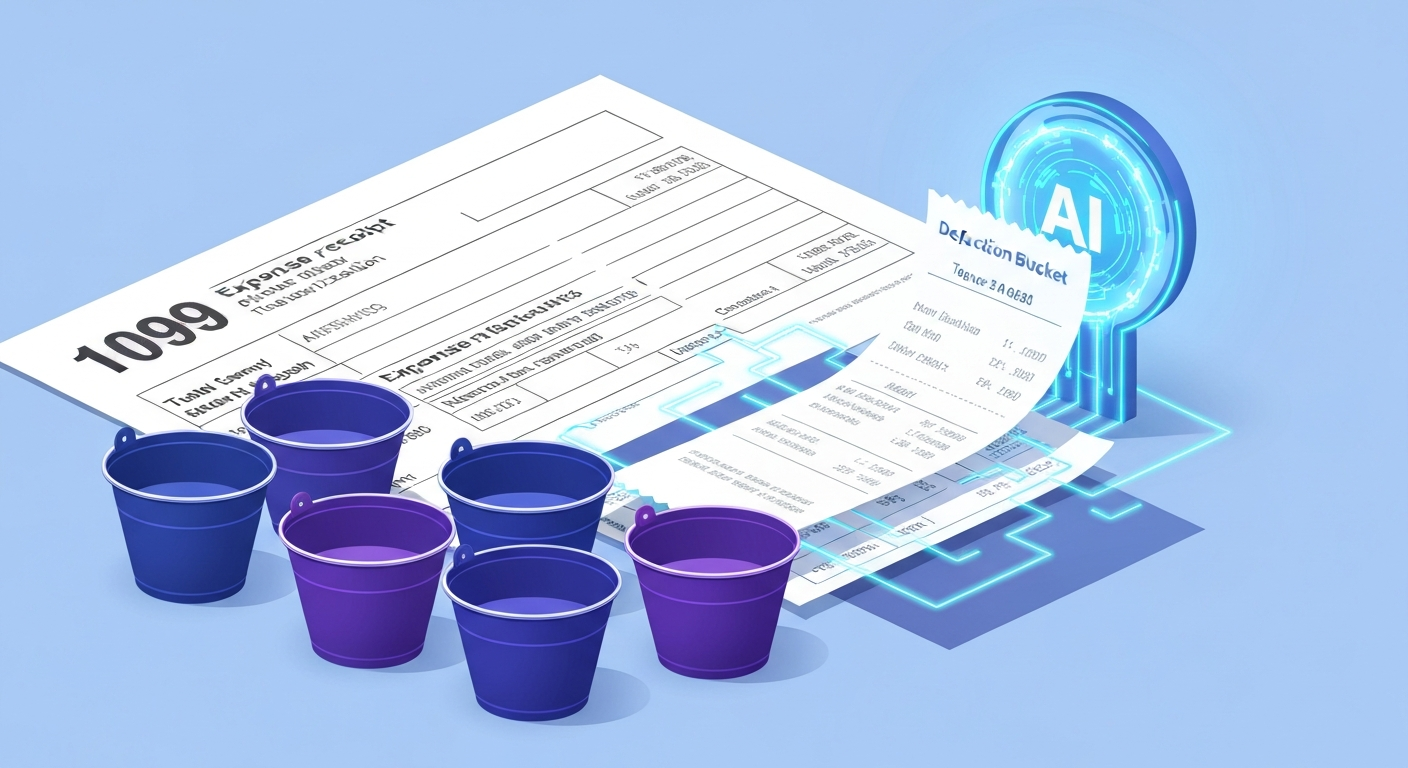
There are 72.1 million freelancers in the United States as of 2025, according to Upwork's Freelance Forward report. Every one of them faces the same tax headache: tracking deductible expenses across multiple income sources, platforms, and payment methods. The average freelancer misses $3,000 to $5,000 in legitimate deductions annually simply because they did not log expenses in real time. A proper 1099 expense tracker app eliminates that loss by capturing every transaction, categorizing it by IRS Schedule C category, and generating reports that make tax filing straightforward. For freelancers managing variable income alongside expenses, our freelancer expense tracking guide covers the full workflow.
What 1099 Workers Need From an Expense Tracker
W-2 employees have it simple: their employer withholds taxes, and deductions are limited. 1099 workers operate a business — and the IRS lets them deduct ordinary and necessary business expenses from taxable income. But only if those expenses are documented. A good 1099 expense tracker needs:
- Automatic categorization aligned with Schedule C categories (advertising, car/truck, office, supplies, utilities)
- Multi-source income tracking — Uber, Upwork, direct clients, and Venmo payments all in one view
- Receipt capture for expenses over $75 (the IRS documentation threshold)
- Quarterly estimated tax calculation — the IRS expects payments in April, June, September, and January
- Export to tax software — CSV or direct integration with TurboTax, TaxAct, or your CPA's system
Best 1099 Expense Tracker Apps, Ranked
1. kNexo — Best for Daily AI-Powered Tracking
kNexo's AI categorization was built for exactly the kind of messy, multi-source income that 1099 workers deal with. Connect your bank accounts and the AI automatically separates business from personal transactions, categorizes deductible expenses, and flags unusual patterns ("Your supplies spending is 3x higher than last month — did you buy equipment?").
The WhatsApp integration is particularly valuable for gig workers who are constantly on the move. Pay for gas? Send "gas $42 — business" to kNexo via WhatsApp and it is logged, categorized, and timestamped in under 5 seconds. No separate app to open, no receipt to photograph later, no "I'll log it tonight" that never happens.
- Free tier: **unlimited transactions, unlimited categorizations**/month
- **Pro** ($19.90/month annual): Unlimited transactions, advanced analytics, data export, budget alerts
- **Family** ($29.90/month annual): Family sharing for up to 6 members, priority support
2. Hurdlr — Best for Mileage-Heavy Workers
Hurdlr automatically tracks mileage via GPS, categorizes income and expenses, and calculates quarterly estimated taxes — all in one app. For Uber/Lyft drivers, delivery workers, and real estate agents who rack up significant deductible miles, Hurdlr's automatic mileage detection is a standout feature. The free tier covers basic tracking; Premium ($10/month) adds automatic categorization and tax estimates. The limitation: Hurdlr's AI is focused on mileage, not on comprehensive spending categorization.
3. QuickBooks Self-Employed — Best for Tax Filing Integration
At $15/month, QuickBooks Self-Employed connects directly to TurboTax and sorts transactions into Schedule C categories. Receipt scanning, mileage tracking, and quarterly tax estimates are included. The advantage: seamless tax filing for TurboTax users. The disadvantage: no free tier, relatively high price for solo use, and the interface is designed for accountants, not for quick daily logging. If you already use QuickBooks for invoicing, this is a natural extension.
4. Expensify — Best for Receipt Management
Expensify's SmartScan technology photographs receipts and extracts date, amount, merchant, and category automatically. The free tier covers 25 SmartScans per month. For freelancers who deal heavily in cash transactions or need receipt documentation for clients, Expensify handles that workflow better than any competitor. The budgeting and expense categorization features are more limited than kNexo or QuickBooks.
The average freelancer loses $3,000 to $5,000 in deductions per year because they did not track expenses in real time. An AI-powered tracker that logs as you spend — not when you remember — is worth its weight in tax savings.
The $75 Rule and IRS Documentation Requirements
The IRS $75 rule is widely misunderstood. Here is what it actually says: for business expenses under $75, a bank or credit card statement showing the amount, date, and merchant name is generally sufficient documentation. For expenses $75 or more, you need a detailed receipt showing what was purchased. This applies to all deductible business expenses, including meals, supplies, and services. Lodging expenses always require a receipt regardless of amount.
An app like kNexo that connects to your bank handles the under-$75 documentation automatically — every transaction is timestamped and categorized. For larger purchases, photographing the receipt and linking it to the transaction creates an audit-ready record. More details are available in our guide to freelancer tax savings.

Setting Up Your 1099 Expense Tracking System
Most freelancers overcomplicate this. Here is a system that takes 20 minutes to set up and 2 minutes per day to maintain:
- Separate your accounts: Open a dedicated business checking account. This single step eliminates 80% of categorization confusion. When the IRS sees personal and business expenses mixed in one account, audit risk increases.
- Connect to kNexo: Link your business account. The AI starts categorizing transactions automatically — office supplies, software subscriptions, business meals, professional services.
- Set up WhatsApp for cash expenses: Cash transactions do not appear in bank feeds. Log them via WhatsApp the moment they happen: "parking $12 — client meeting."
- Weekly review (5 minutes): Check that the AI categorized correctly. Fix any mismatches. This takes less time than sorting a week of receipts.
- Quarterly export: Export categorized data before estimated tax deadlines (April 15, June 15, September 15, January 15). Calculate 25-30% of net income for tax payments.
Common Deductions 1099 Workers Miss
An AI tracker catches these automatically, but they are worth knowing:
- Home office deduction: If you use a dedicated space exclusively for work, deduct a proportional share of rent/mortgage, utilities, and internet. The simplified method allows $5 per square foot up to 300 sq ft ($1,500 max).
- Phone and internet: Deduct the business-use percentage. If you use your phone 60% for work, deduct 60% of the monthly bill.
- Health insurance premiums: Self-employed individuals can deduct 100% of health insurance premiums for themselves, spouse, and dependents.
- Retirement contributions: SEP-IRA contributions up to 25% of net self-employment income (max $69,000 in 2026) are deductible. Solo 401(k) allows even higher contributions.
- Software and subscriptions: Every SaaS tool, cloud storage, and professional subscription used for business is deductible — including your expense tracker itself.
For a comprehensive breakdown, the IRS publication on business expenses is the definitive source. Our variable income budgeting guide helps with the broader challenge of managing irregular freelancer earnings.
AI Categorization vs Manual Tracking
The case for AI is not about convenience — it is about accuracy. Manual trackers miss expenses because humans forget, procrastinate, and rationalize ("that lunch was mostly personal"). AI trackers connected to bank accounts capture every transaction, categorize it objectively, and let you review and correct rather than recall and enter. The NerdWallet research on self-employed deductions confirms that automated tracking recovers significantly more deductions than manual methods. kNexo's AI learns your patterns — after a few weeks, it knows that your Staples purchase is office supplies, your Zoom subscription is a software expense, and your regular Tuesday lunch is a client meeting. This is the AI expense tracking approach that is making manual spreadsheets obsolete for 1099 workers.
The Bottom Line
Every dollar in missed deductions is a dollar of unnecessary tax. The best 1099 expense tracker app is one that captures expenses automatically, categorizes them into IRS-ready categories, and requires minimal daily effort. kNexo's AI categorization and WhatsApp logging make it the strongest option for daily tracking. Hurdlr adds GPS mileage for driving-heavy workers. QuickBooks Self-Employed integrates with TurboTax for seamless filing. Start with kNexo's free tier — 2 accounts, 100 transactions — and see how many deductions the AI catches that you have been missing.
Frequently Asked Questions
What is the best expense tracking app for 1099 employees?
kNexo is the best general expense tracker — AI categorization handles multi-source income, and WhatsApp logging captures expenses in real time. For mileage, Hurdlr adds GPS. For tax filing integration, QuickBooks Self-Employed connects to TurboTax.
How to keep track of expenses for a 1099?
Connect bank accounts to an AI tracker like kNexo. Log cash expenses via WhatsApp immediately. Photograph receipts over $75. Review categories weekly. Export tax-ready reports quarterly for estimated payments.
What is the $75 rule?
The IRS requires detailed receipts for business expenses of $75 or more. Below that, bank/credit card statements suffice. This applies to all business expenses. Lodging always requires a receipt regardless of amount.
How to maximize being a 1099 employee?
Track every deduction (home office, internet, phone, mileage). Make quarterly estimated payments. Contribute to SEP-IRA or Solo 401(k). Set aside 25-30% for taxes. Use AI tracking to catch deductions you would miss manually.
What is the best app for a 1099 employee?
kNexo for daily AI tracking, Hurdlr for mileage, QuickBooks Self-Employed for tax integration. Many 1099 workers combine kNexo for daily expenses with a tax tool at filing time.
Ready to take control of your finances?
kNexo turns AI into your money copilot — right inside WhatsApp. Free forever, no credit card.
Create free account